Guides
The wedding photo QR code, done properly
By the Unveil team · Published July 27, 2026 · Updated August 21, 2026
Every shared camera lives or dies at the same moment: a guest sits down, sees a code, and either scans it or does not.
That makes the QR code the one piece of wedding stationery with a job. This guide covers where to put it, how big to print it, what the sign around it should say, and ships two free printable templates at the bottom. The rest of the day — shot limits, camera window, unlock time — is in the wedding setup guide.

Put it where hands already are
The best placements share one property: the guest is already sitting still and looking at something. Place cards and menus win because everyone handles them in the first ten minutes. A table sign in a small frame works nearly as well and survives the evening better than paper.
Add one larger code where people stand around: the welcome sign or the bar. Skip the dance floor and skip the invitation mailed weeks before; the code belongs where the camera window is about to open, which is the day itself.
Then have the toastmaster say it once. One spoken line converts more tables than any amount of stationery.
Print it big enough to scan from a seat
Codes fail small. On a place card or menu, give the code at least 3 centimetres (an inch and a quarter) of width, so it scans from a seated, arm's-length distance without anyone picking the card up and squinting.
A welcome sign is scanned from standing distance, so scale up: palm-sized at minimum. Matte paper beats glossy, since glare is the other thing that breaks scans, and keep the code dark on a light background rather than inverted.
What the sign should say
The sign needs three facts: this camera is shared, shots are limited, and the album unlocks later. Everything else is decoration. Three wordings that carry them:
For a classic table sign: one album for the whole night. Scan to join and take your shots. Nobody sees a photo until it opens.
For a place card: grab the camera. A few shots each.
For the toastmaster: scan the card on your table, you each get ten shots, and the album unlocks at breakfast.
The free templates
Two ready-to-print designs, both at print resolution (300 dpi) with a marked frame where your event code goes:
Table sign, 5 by 7 inches for frames and table stands, and a place card, 3.5 by 2.5 inches for every seat.
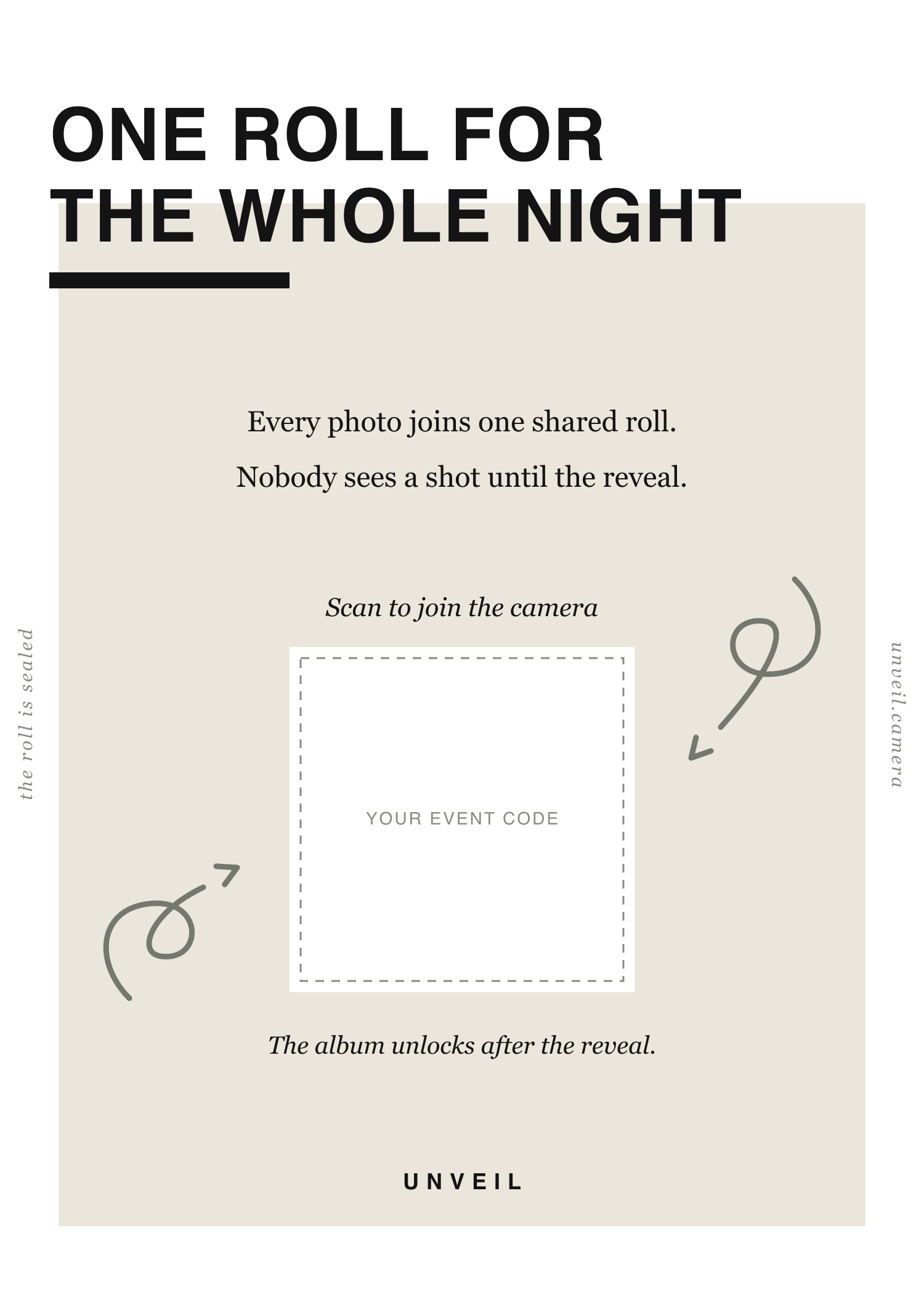
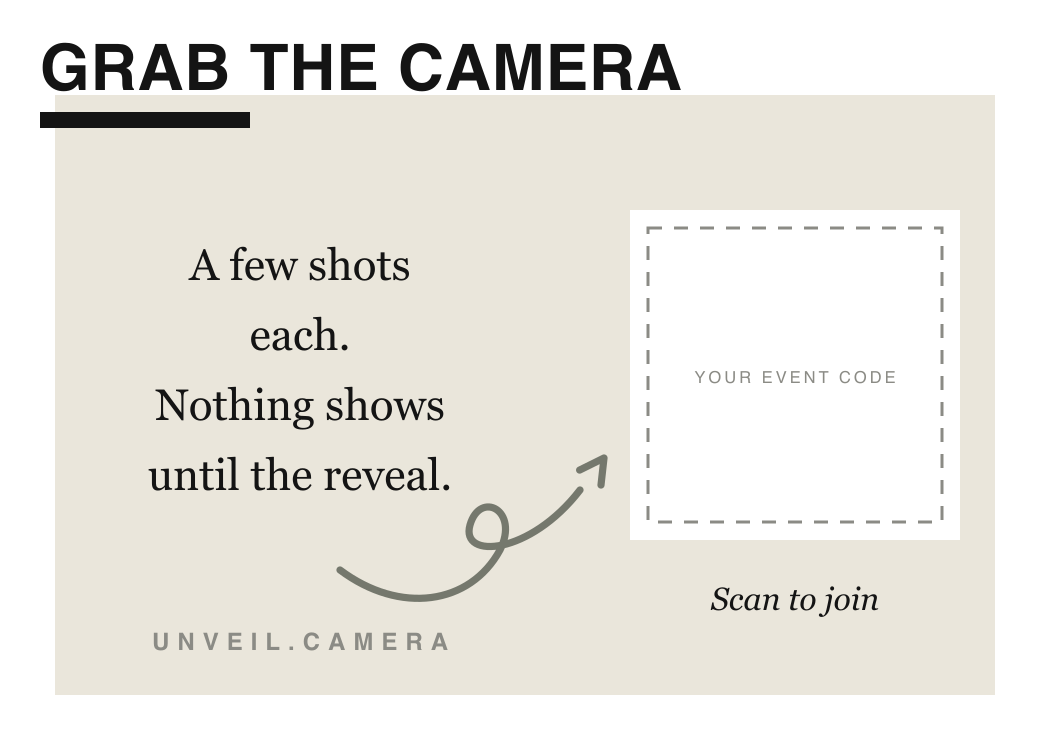
To fill in your code: create your event, open the invite, and save the QR image. Then drop the template into anything that stacks images (Canva, Keynote, Pages, Word), place your code inside the dashed frame, and print. The lo-fi route also works: print the template as-is, print your code at the sizes above, and glue it in. Nobody at table nine will know.
A dozen printed cards is the entire stationery bill. The same room photographed on physical disposable cameras runs into the hundreds before a single roll reaches a lab.

The checklist
- A code on every table: place card, menu, or framed sign
- One large code at the welcome sign or bar
- At least 3 cm wide on the table, palm-sized on the wall
- Matte paper, dark code on light background
- One spoken line from the toastmaster
Print a spare sign. One always ends up in a pocket.
Questions people ask
At least 3 centimetres (1.25 inches) wide on anything scanned from a seat, and palm-sized or larger on a welcome sign scanned from standing distance. Bigger never hurts; small is the failure mode.
No. Scanning with the normal phone camera opens the shared camera directly: a small native camera on iPhone, the browser on other phones.
We would keep it on the day-of stationery instead. The camera runs during the event's camera window, so the code earns its place on the tables, where scanning it does something immediately.
The invite is also a link, so anyone who joined can share it straight to a neighbour's phone. Ask one person per table to be the sharer and the problem disappears.
Yes. Neither template says wedding on it; the wording works for any night with one shared album and an unlock at the end.